
01
CSS Inspector
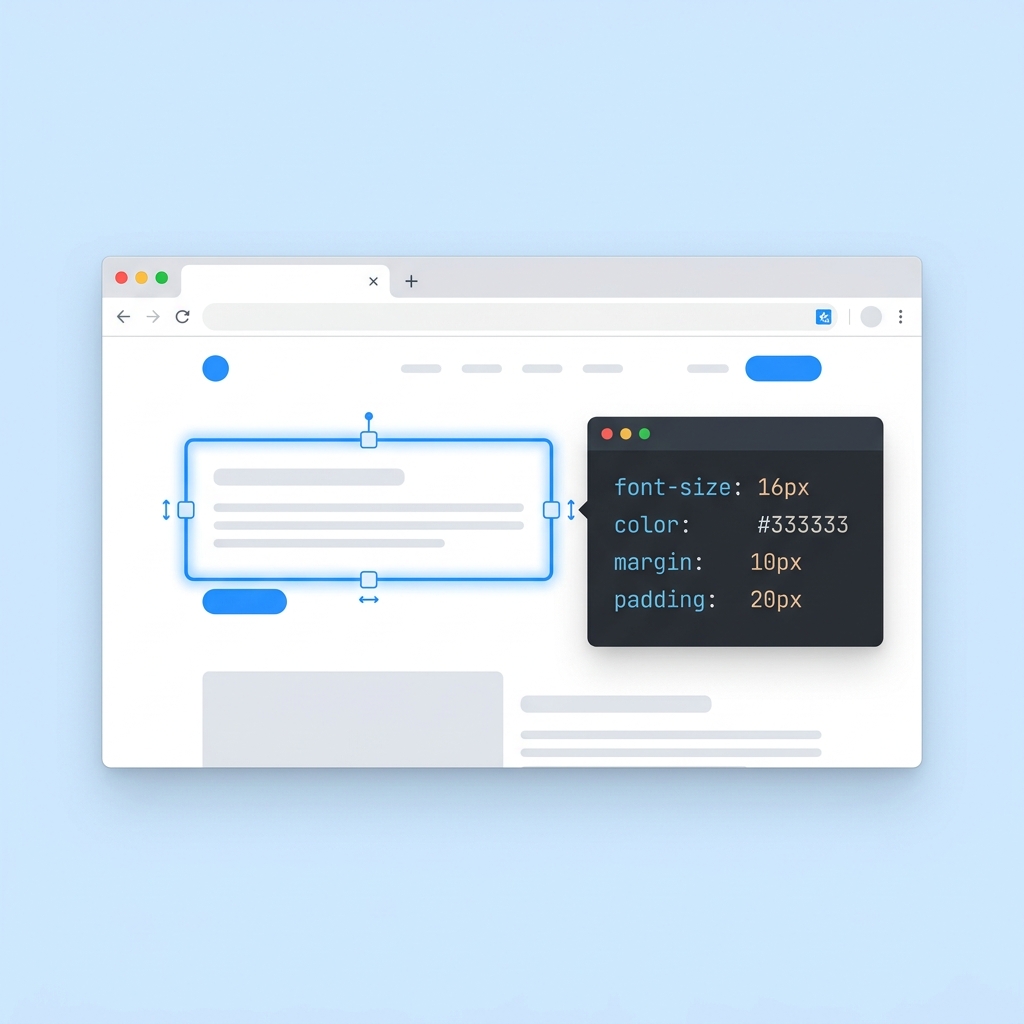
Click any element on any website to instantly reveal its CSS — fonts, colours, spacing, dimensions. No DevTools required.
No credit card required • Free to start
Inspect, edit, capture, test — without leaving your tab.
Click any element on any website to instantly reveal its CSS — fonts, colours, spacing, dimensions. No DevTools required.
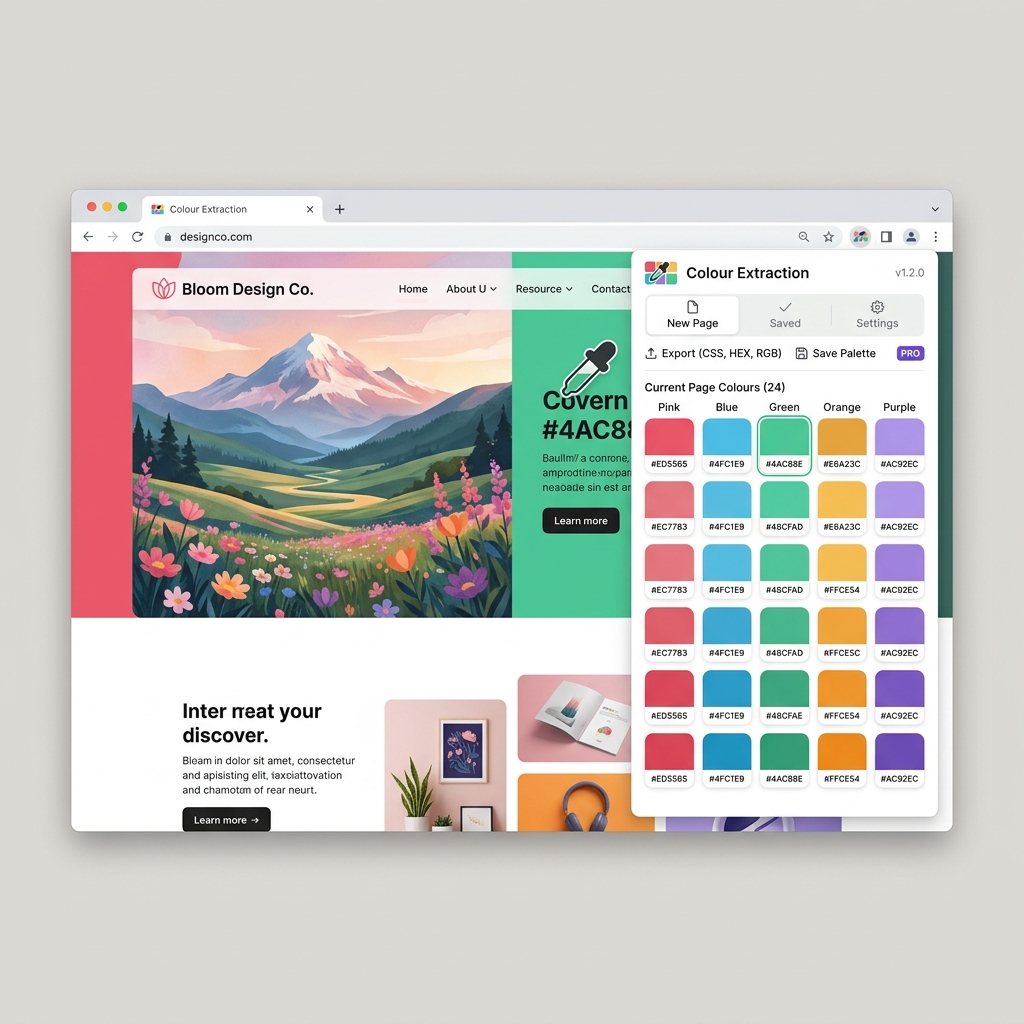
Capture the full colour palette of any page in one click. Hex codes, gradients, and accent colours — ready to copy.
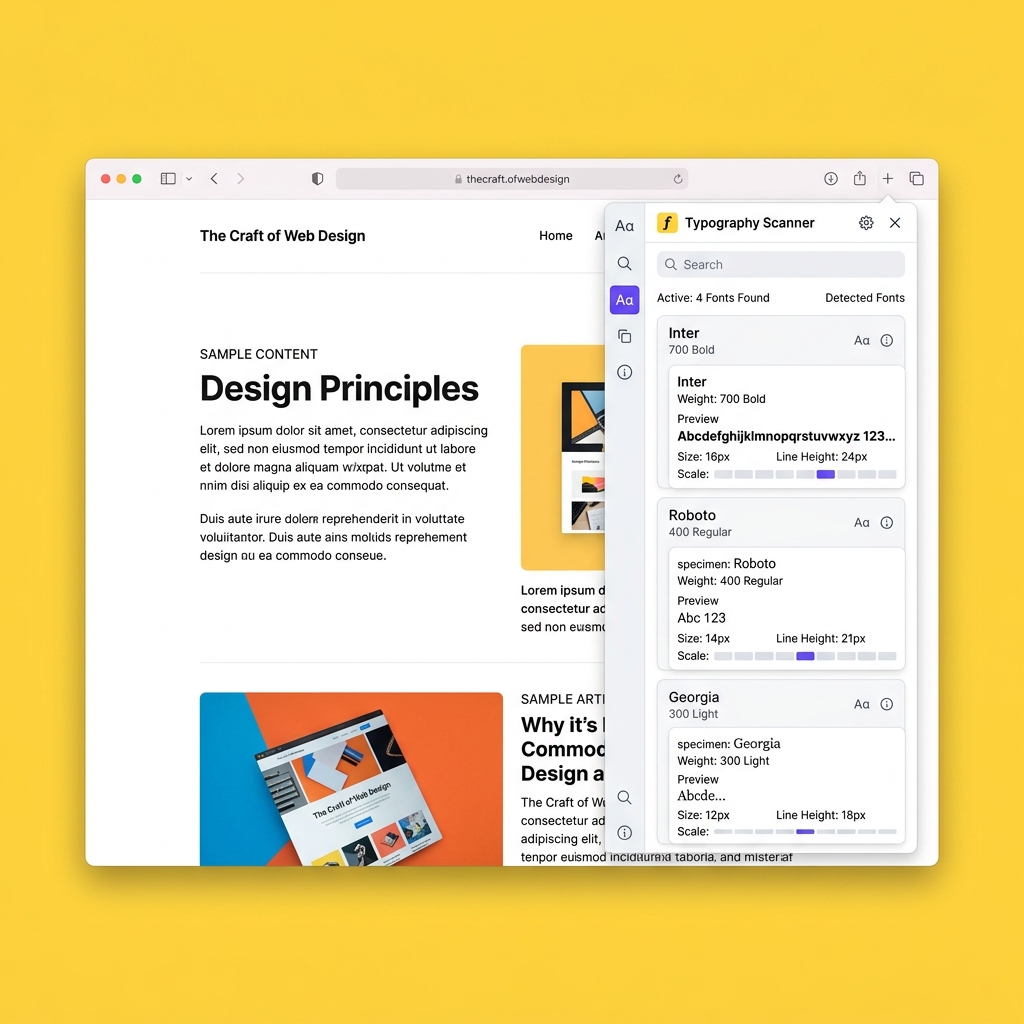
Identify every font in use — family, weight, size, line height, and letter spacing. Know exactly how any site achieves its typographic tone.
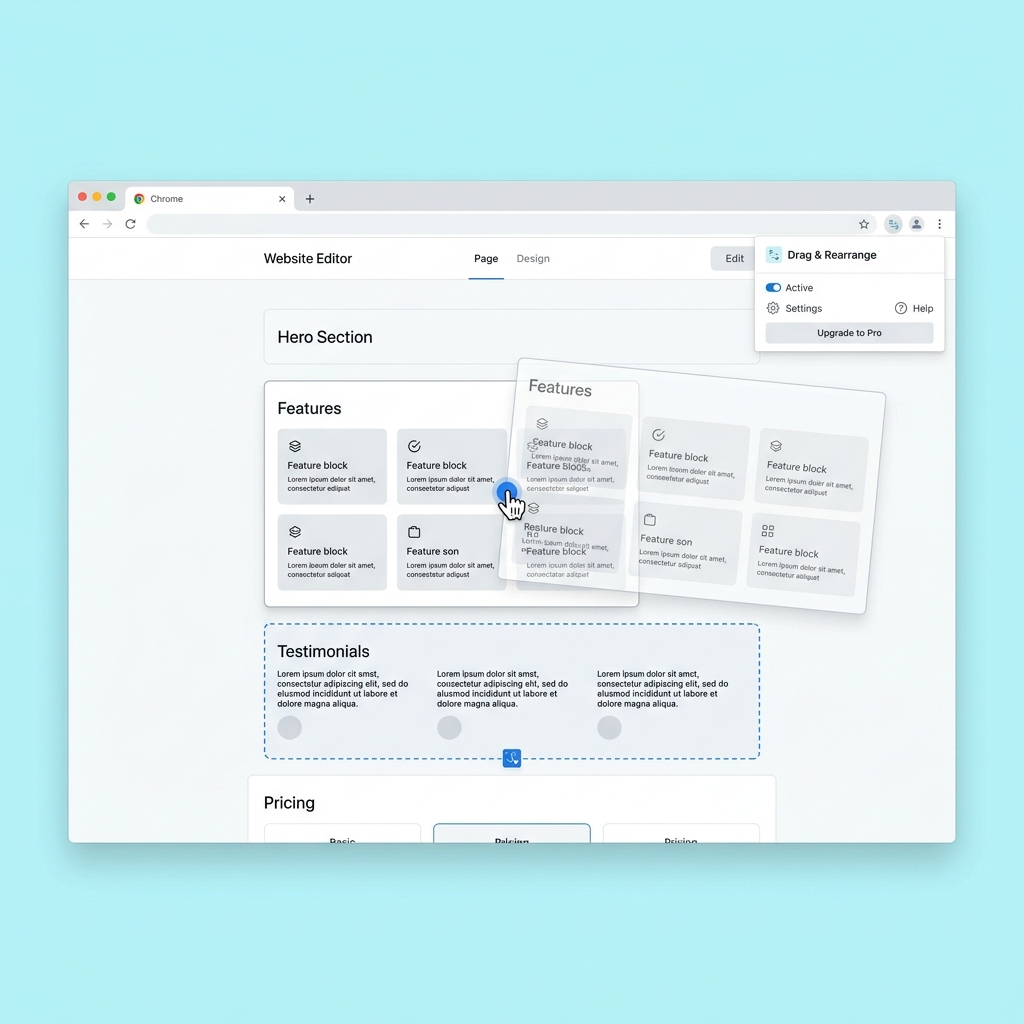
Move sections, blocks, and individual elements around the page in real time. Test layout changes without touching a single line of code.
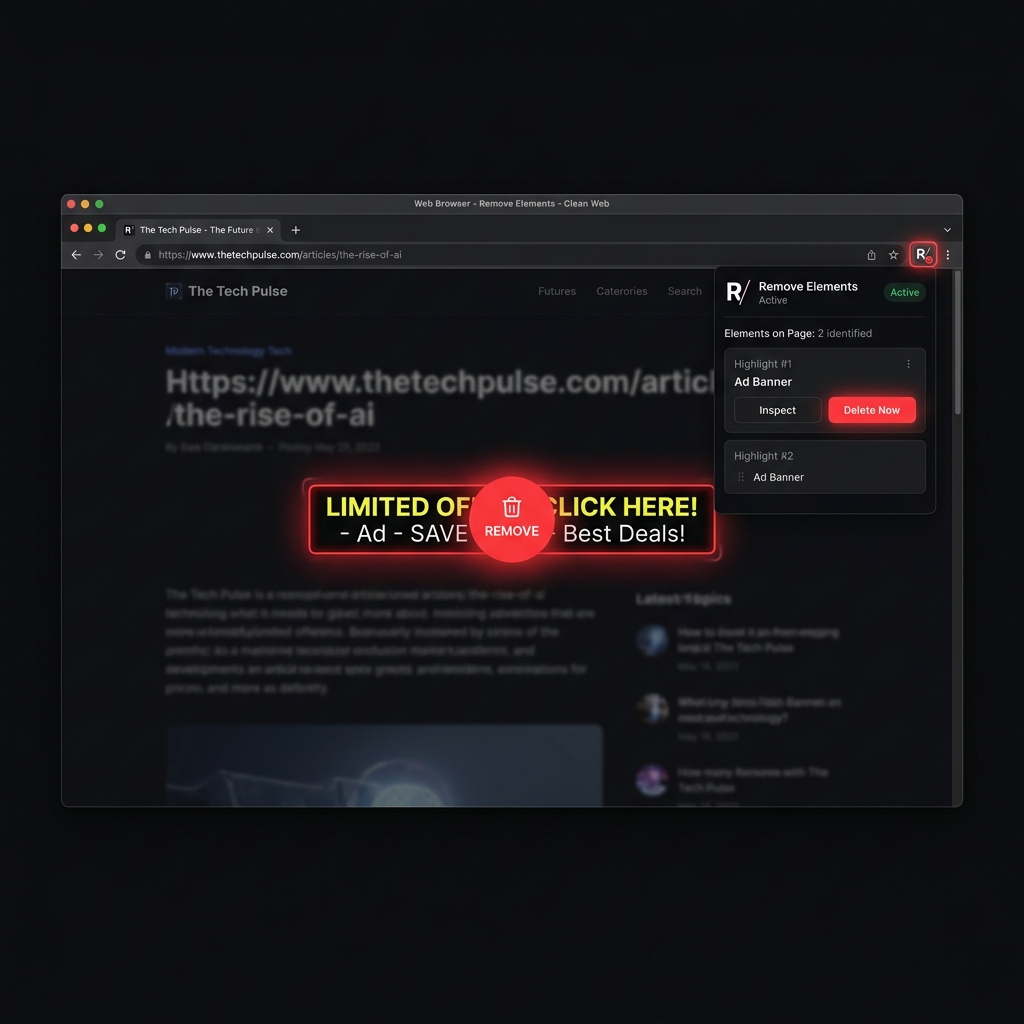
Hide or delete any element from view — ads, banners, pop-ups — to focus on what matters or to prototype a cleaner version of any page.
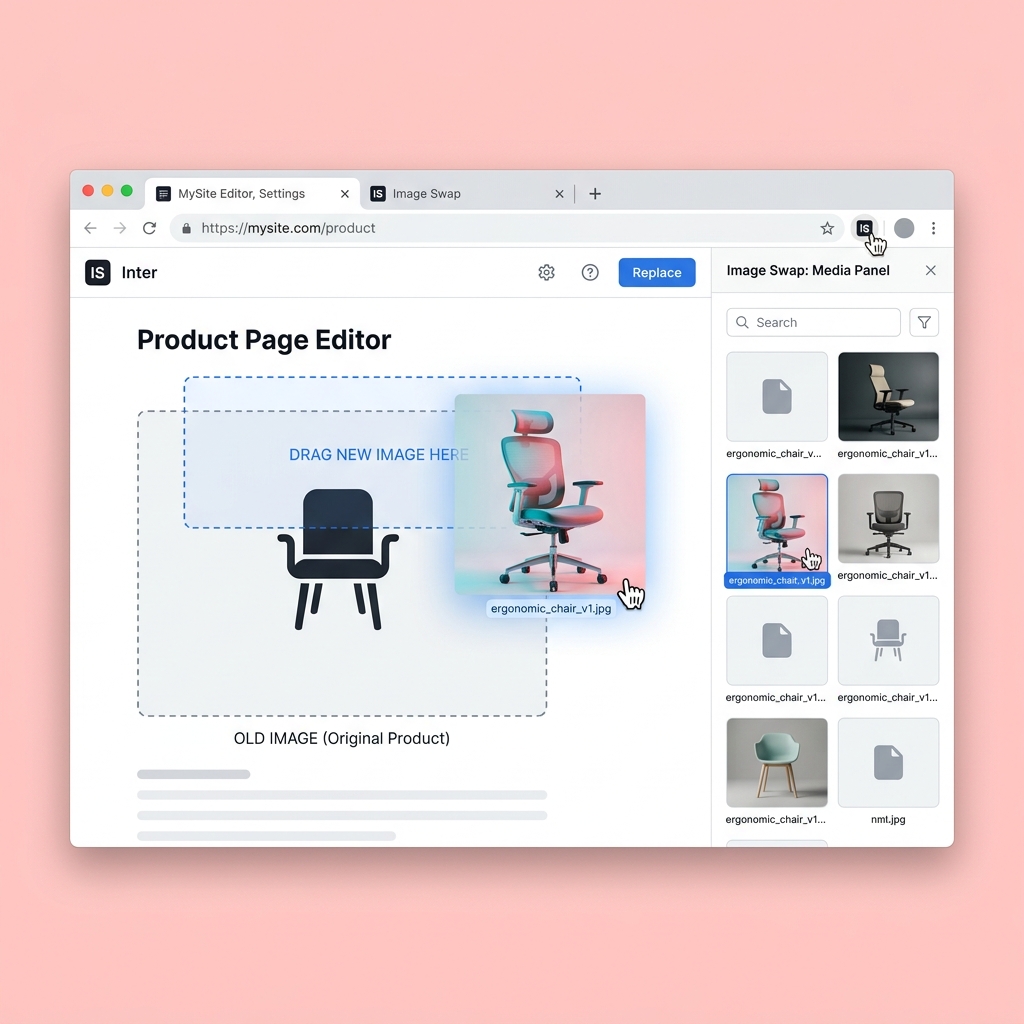
Replace any image on the page with your own assets instantly. Perfect for mockups, client presentations, and testing visual directions.
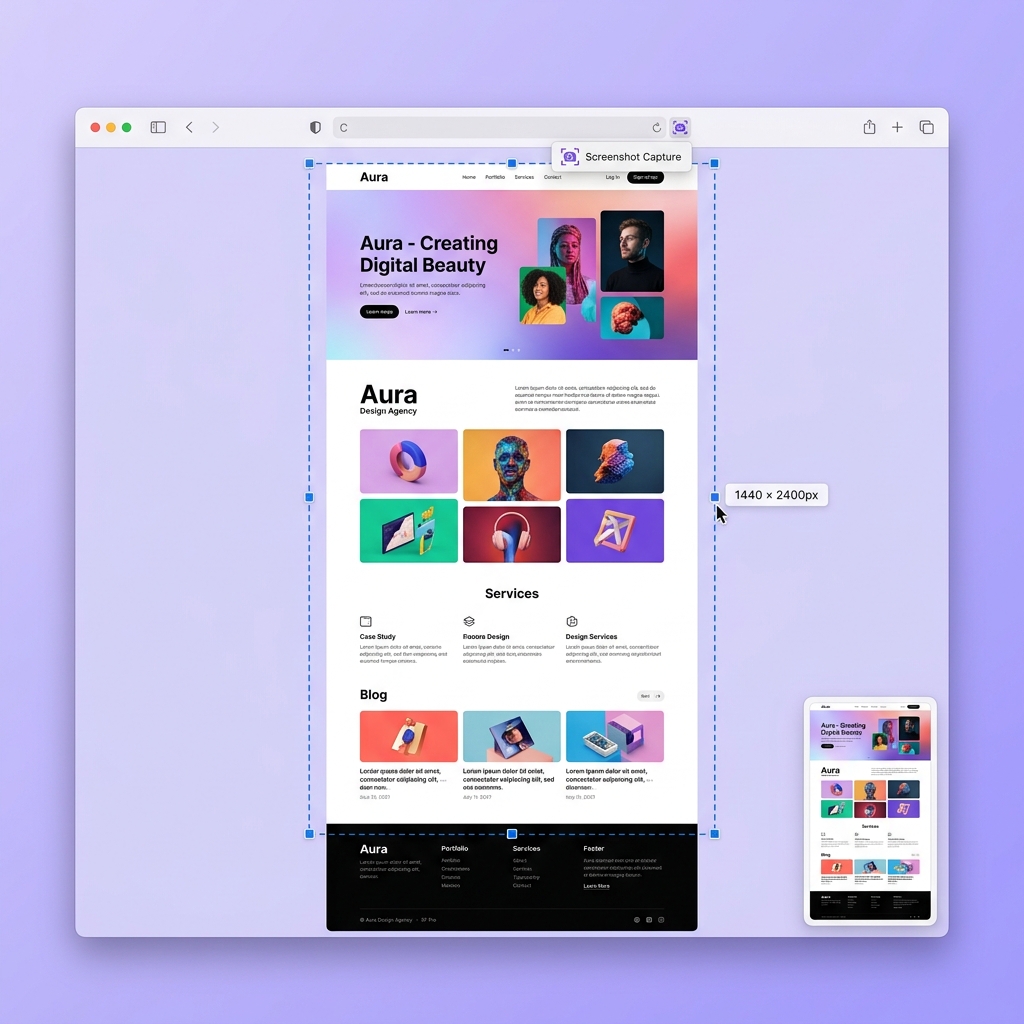
Take full-page, visible-area, or selected-region screenshots with one click. Export as PNG or PDF — pixel-perfect every time.
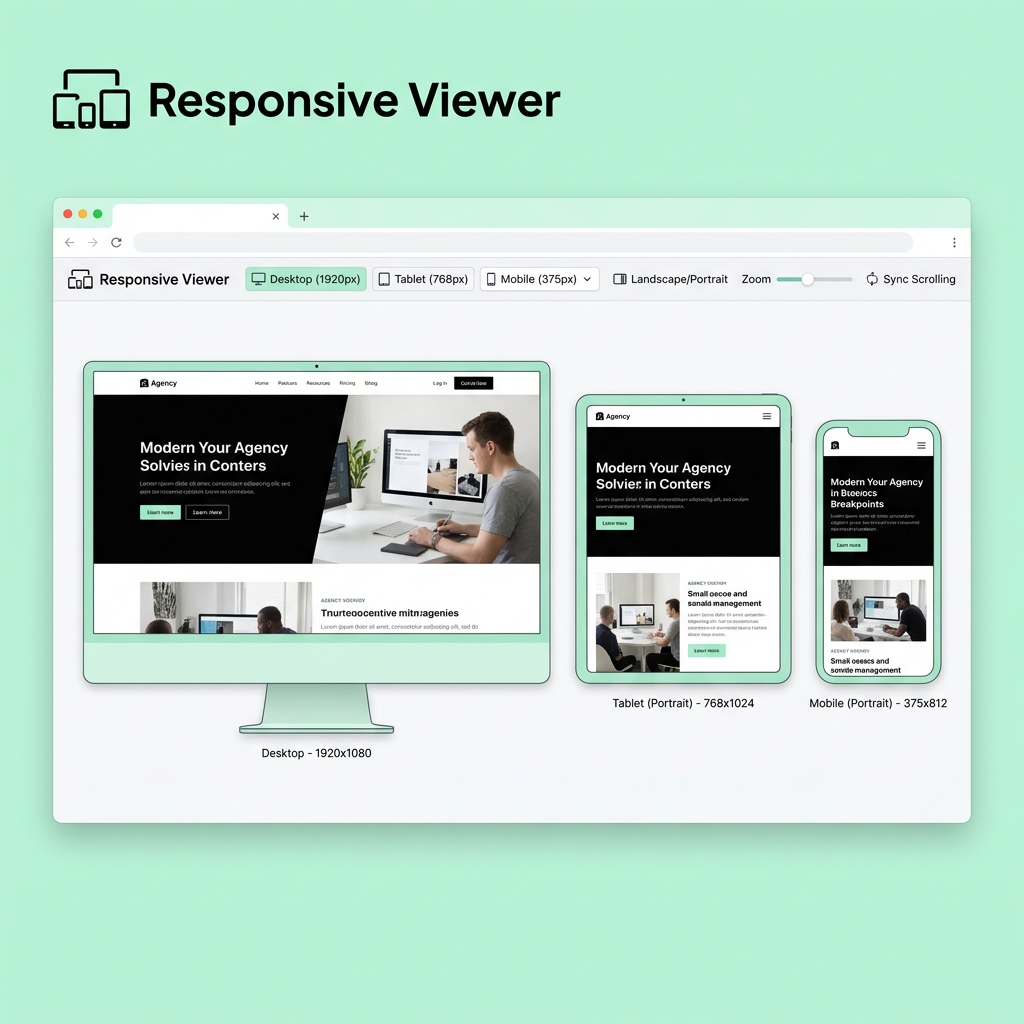
Preview your page across multiple device sizes simultaneously — desktop, tablet, and mobile — in a single view.
Describe any change in plain language and watch the AI apply precise edits to the page in seconds. No CSS knowledge needed.
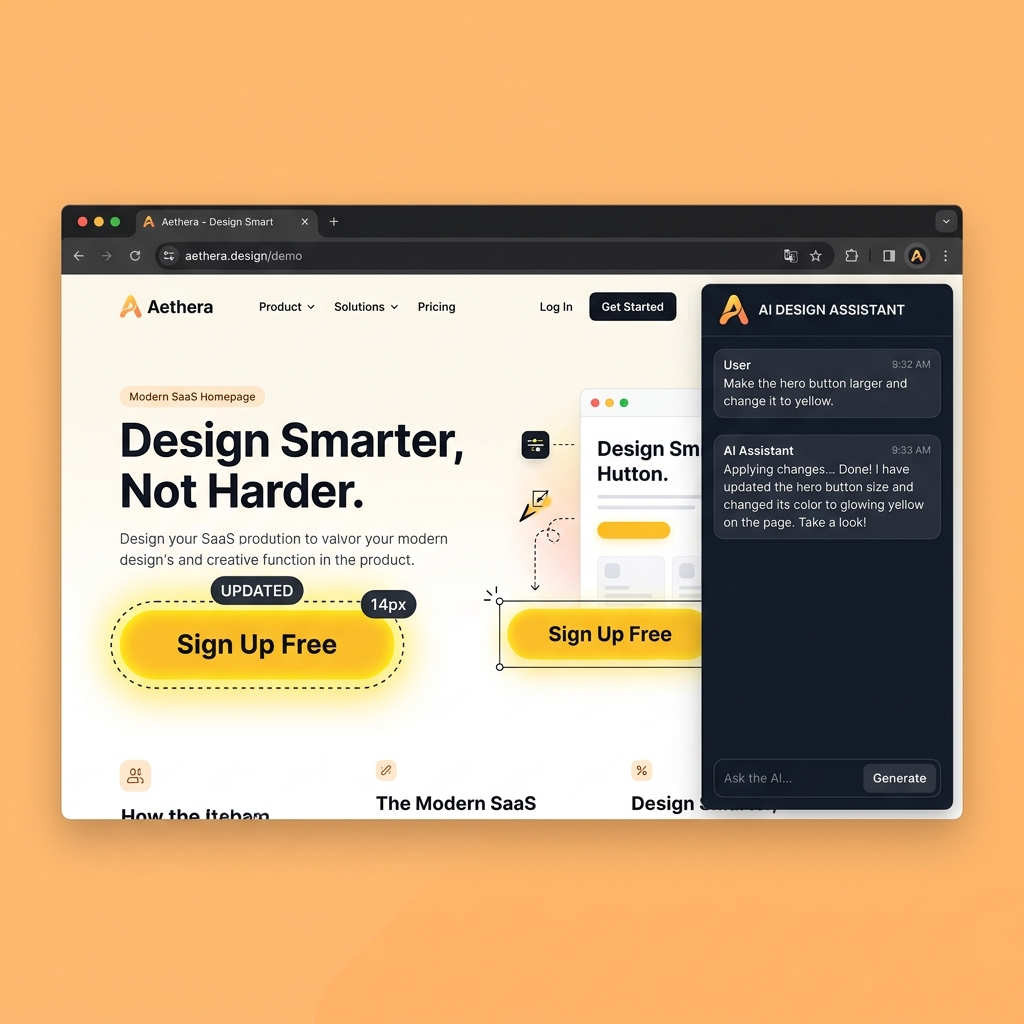
A complete design and inspection studio packed into your Chrome toolbar.
Thousands of professionals use PowerTool to inspect, edit, and hand off web changes every day.
"PowerTool replaced three other extensions for me. The CSS inspector alone saves me 30 minutes per review session. The fact that I can share edits directly with devs is a game-changer."
"Finally a tool that speaks both designer and developer. Inspecting CSS, swapping fonts, testing responsive layouts — all without opening DevTools once. Exactly what the team needed."
"I'm not technical at all but I can now send my dev team actual visual edits instead of vague Loom videos. PowerTool gives non-technical people real power over the web."
"The screenshot tool alone is worth the price. Full-page captures in 2 clicks, then PDF export for client reports. The colour picker is incredibly smooth too — way better than alternatives."
"The responsive viewer and CSS inspector together make client QA sessions so much faster. I can spot spacing issues, check breakpoints, and show clients exactly what needs fixing — all in one tab."
"As a solo founder I wear many hats. PowerTool lets me do design reviews, accessibility checks, and competitor research without switching tools. It's become as essential as my browser itself."
Two clean options: a yearly subscription with managed AI, or lifetime access for BYOK users.
For designers, marketers, agencies, and dev teams who use PowerTool every week.
Save 50% vs monthly
For power users who want lifetime access to the core toolkit and prefer bring-your-own-key AI.
Quick answers for buyers, reviewers, and the team making the launch video.
No. It sits above dev tools for faster design review, visual edits, screenshots, and handoff — without the complexity.
Pay with Paddle, then sign in to PowerTool using the same email. Pro unlocks through Supabase entitlement sync.
No. The core inspection and editing tools work without AI. AI is there for faster assisted changes when you need it.
The fastest way to edit any website and hand devs exactly what to build. No code. No mockups. No back-and-forth.